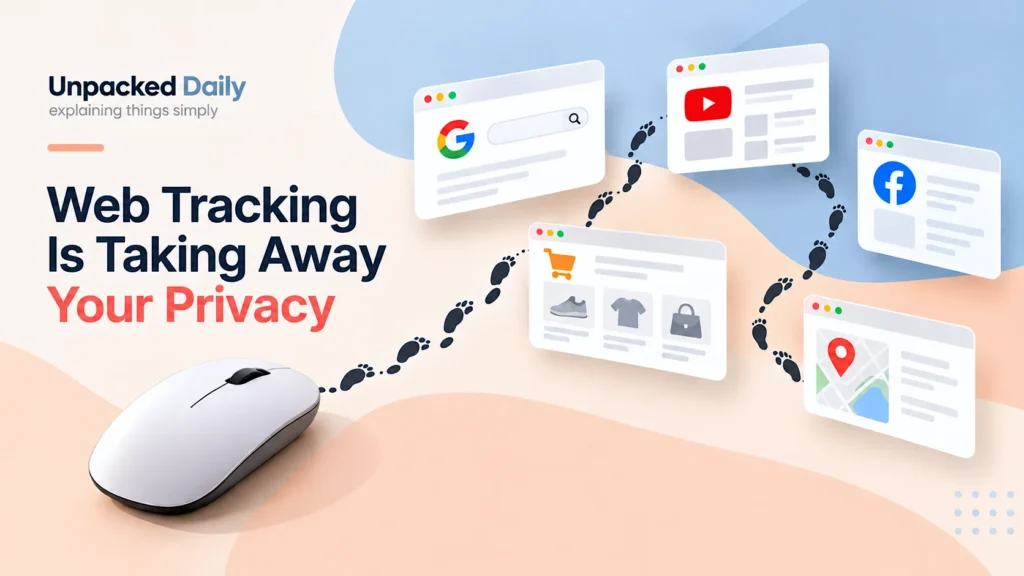
Data tracking is the process of recording and connecting things you do online. A website can remember your visit, an ad network can recognise your browser, and different pieces of information can sometimes be joined together to build a picture of your activity.
The strange part is that you don’t always notice any of this happening.
You open a website. You search for something. You click a product. You leave. Later, something related appears somewhere else.
It can feel like someone is watching every move.
Sometimes that feeling is exaggerated. Sometimes there really is data tracking happening in the background. The important thing is understanding what information can actually be collected, how it gets connected, and why your name is not always necessary for a company to recognise the same browser or user again.
Tracking starts with a simple request
Every time you open a website, your browser has to talk to a server.
You ask for a page. Your browser sends a request. The server sends the page back. That sounds completely ordinary because it is.
But that request can contain information that helps the website understand where the request came from and what kind of device is making it. An IP address is part of normal internet communication, and websites can also use cookies and other browser storage to remember a browser between visits.
Your browser opens a website.
A request goes to the website’s server.
The page comes back with information the site can use.
This does not mean that every website is secretly building a giant file about you.
Cookies, for example, have perfectly normal uses. They can keep you logged in, remember your settings, or keep your shopping cart from disappearing.
The same technology can also be used for tracking. That distinction matters.
A cookie is not automatically a tracker. It becomes interesting when the information starts being used to recognise behaviour over time.
Then the little pieces start connecting
Imagine you visit an online shop. You look at a pair of headphones. You don’t buy them.
The next day you visit another website and see an advertisement for those headphones.
This is one of the most familiar examples of online tracking. Third-party content on websites can use cookies and other methods to recognise the same browser across different sites and build a picture of what it has been doing.
You search for headphones → visit a product page → leave without buying → later see an ad related to those headphones.
There are many ways this can happen, and modern browsers have been adding protections that limit some forms of cross-site tracking. Third-party cookies are now blocked or restricted by major browsers in different ways, and newer browser features are being developed to reduce tracking without breaking useful website features.
The old picture of every website freely sharing one giant cookie with every other website is too simple. Tracking still exists. It has just become more complicated.
Your name is not always needed
This is where the whole thing gets a little uncomfortable. People often think privacy means hiding their name. But a tracker does not necessarily need to know that the person is Aman or Rahul or Sarah.
It can simply give a browser an identifier and keep adding information to that identifier over time.
That identifier could be something created by a cookie or another piece of technology. The tracker may know that the same browser came back, what it looked at, what it clicked, and which pages it visited, even if the tracker does not know the person’s real name.
That can still be valuable.
Over time, a profile does not need a real name to become detailed. What you read, what you search for, what you buy and what you repeatedly visit can tell a system a surprising amount about your interests. The EFF notes that information tied to an identifier does not become harmless simply because it is not attached to your real name.
This is one reason saying “I have nothing to hide” misses the bigger point. The question is not only whether someone knows your name. It is what they can learn from the pattern of your behaviour.
Your browser can leave a fingerprint too
Cookies are not the only way a website can recognise you.
Your browser and device also expose a collection of small technical details. Things such as your browser version, screen size, language, time zone, installed fonts and other settings can sometimes be combined to create what is called a browser fingerprint.
Individually, most of these details are boring.
Put enough of them together and they can become useful for telling one browser apart from another.
That does not mean a website can instantly identify you with perfect accuracy.
Fingerprinting is about combining enough clues to make a browser more recognisable. Modern browsers also try to reduce how useful these clues are by limiting access to some information or making certain values less unique.
Still, it shows something important. Privacy online is not just about deleting cookies.
Clearing cookies doesn’t erase everything
This is another common assumption. You delete your cookies and think, “Done. They can’t track me now.”
Cookies can certainly be removed. But they are only one part of the picture.
A tracker might have other identifiers. A website may recognise you because you logged into an account. Other systems can use browser information, URL tracking parameters, stored data or other signals. Fingerprinting is another example of a method that does not depend on a traditional tracking cookie.
That is why online tracking has become a kind of cat-and-mouse game: browsers block one method, trackers find another, browsers add new protections, and trackers change their methods again.
You can see this clearly with newer browser protections around third-party cookies, storage and bounce tracking. Some browsers now limit or partition the information that third-party trackers can access, while also trying to keep normal website functions working.
The internet doesn’t need to follow you everywhere
There is an important distinction here. Not every piece of information collected by a website is being passed around the internet.
A website may collect data simply to make its own service work. It may remember your language, keep you logged in, measure how people use the site or understand which pages are popular. Cookies and other storage methods have legitimate uses as well as tracking uses.
The concern begins when information is combined across places, used to build detailed profiles, or shared in ways the user does not expect.
That is why privacy discussions can become confusing so quickly. “Data collection” and “tracking” are related, but they are not exactly the same thing.
A website remembering your shopping cart is very different from a network trying to follow your activity across many websites.
And this is where your online identity gets weird
You might use different websites for completely different reasons.
A shopping site knows what you were looking for, a video platform knows what you watched, a social network knows what you liked, a search engine knows what you searched for, and a website may even know which page brought you there. Instagram is a good example of how this behaviour is used to shape what you see.
Each one may hold only a small piece of your online life.
The bigger question is what happens when different pieces can be connected. That is the part people usually do not see.
The internet does not need one giant database containing everything about you to learn a lot about you. It can be enough for different systems to keep recognising the same browser, account, device or identifier and collecting information around it.
That is also why the idea of being completely anonymous online is difficult. Your activity can leave enough clues for websites or trackers to connect things together, even when your real name is not directly shown.
Are we being watched all the time?
Not in the movie version of it. There is no single invisible person sitting somewhere watching every click you make.
A lot of tracking is much more boring than that. It is software collecting small pieces of information, storing identifiers, measuring behaviour and making connections automatically.
That is what makes it interesting, you browse, a signal is recorded, you come back, another signal is added, and slowly the system builds a clearer picture of you.
The part worth remembering ourselves is that online privacy is not just about hiding your name. It is about how many small pieces of your behaviour can be collected, connected and used to recognise patterns about you.
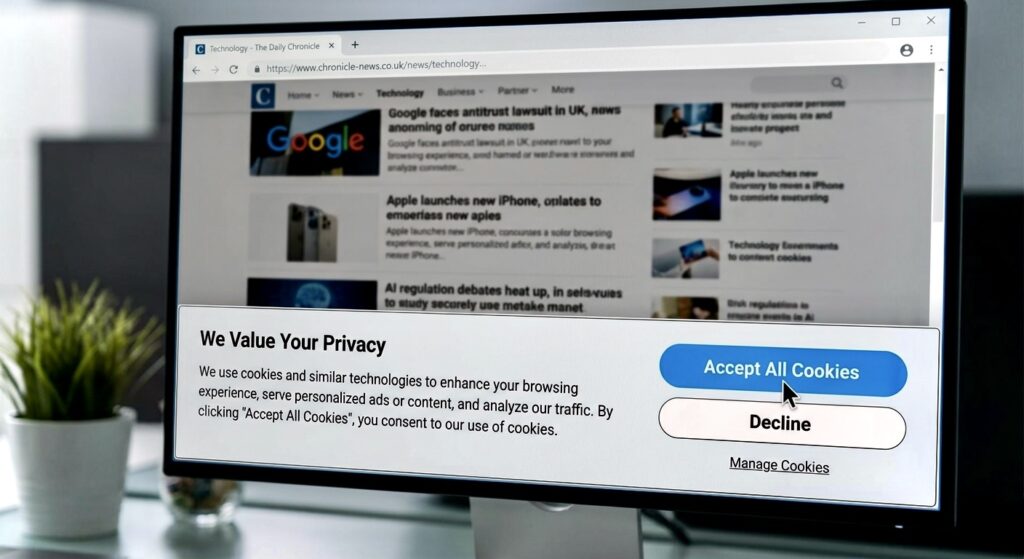
We also looked at what actually happens after you click that cookie banner.
Once you understand that, the next time a website asks you to accept cookies, the question becomes a little more interesting.
Not just, “Should I click accept?”
“What am I actually allowing this site to remember?”