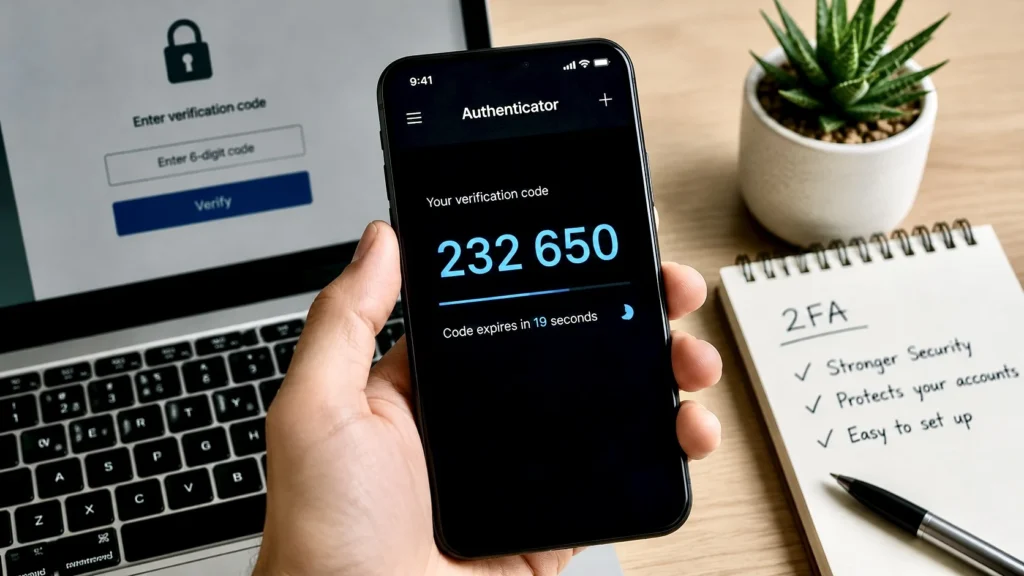
At some point almost everyone has seen it. You try logging into an account and suddenly the app asks for a 6 digit code.
Or maybe it says, Check your authentication app. And honestly most people just follow the steps without fully understanding what is happening.
People know it is some kind of security thing. But very few actually know what these apps are doing in the background.
That is why so many people still get confused between:
- passwords
- OTPs
- authentication apps
- verification codes
- two factor authentication
All of these things are connected. And they became common because passwords alone are no longer enough anymore.
Passwords Used To Be Enough
Years ago internet accounts were much simpler.
Most people had:
- one email
- maybe one social media account
- fewer apps
- less personal information online
So a simple password worked fine.
But now almost everything is connected to online accounts:
- banking
- shopping
- photos
- work
- documents
- social media
- cloud storage
- payments
Your online accounts slowly became part of your identity. And hackers noticed this too.
Even privacy tools like VPNs became more common because people started realizing how exposed online activity really is.
Today passwords get stolen constantly through:
- phishing
- fake login pages
- data leaks
- malware
- weak passwords
- reused passwords
Modern internet security systems like CAPTCHA also exist because bots and fake login attempts became extremely common online.
That is why companies started adding another layer of protection. Not because they wanted to annoy people. Because passwords became too easy to steal.
So What Does An Authentication App Actually Do
Think of it like a second lock. Your password is the first lock. The authentication app becomes the second one.
Even if somebody somehow learns your password, they still cannot enter the account without the temporary code generated on your phone.
That is the entire idea behind two factor authentication. Two separate checks.
Usually:
- something you know, your password
- something you have, your phone
This makes hacking much harder because stealing a password alone is no longer enough.
Why The Codes Keep Changing
One thing many people notice is that authentication apps constantly refresh codes every few seconds. That is not random.
The app and the website both secretly know the same mathematical formula and timing system.
So every few seconds they generate the same temporary code at the same time.
Your phone creates the code. The website also predicts the same code.
If they match, you get access. That is why the code expires quickly.
Even if somebody sees your code later, it becomes useless after a short time. Honestly it is kind of clever when you think about it.
Authentication Apps Are Different From SMS OTPs
Many people confuse authentication apps with normal OTP messages. They look similar but they work differently.
SMS OTPs arrive through your mobile network. Authentication apps generate codes directly inside the app itself.
That makes authentication apps safer in many situations because SMS systems can sometimes be attacked through:
- SIM swapping
- message interception
- telecom fraud
Authentication apps avoid some of those risks.
That is why many companies now recommend:
- Google Authenticator
- Microsoft Authenticator
- Authy
instead of only SMS verification.
Why Apps Suddenly Started Asking For This Everywhere
You probably noticed this change over the last few years. Earlier most websites only asked for passwords.
Now suddenly everything wants:
- verification codes
- security checks
- login approvals
- device confirmations
That happened because online accounts became extremely valuable. Sometimes more valuable than physical things. Think about it.
If somebody steals:
- your Gmail
- your Instagram
- your WhatsApp
- your Apple ID
- your bank login
they can access huge parts of your life.
Photos.
Contacts.
Conversations.
Payments.
Documents.
Personal information.
Your digital identity became important enough that companies had to increase protection.
Most People Still Ignore Security Until Something Happens
This is honestly one of the biggest internet patterns.
People usually care about account security only after:
- getting hacked
- losing access
- seeing suspicious logins
- watching somebody else lose an account
Before that, security feels annoying.
People think: Why is this app making login harder?
But companies are dealing with massive amounts of hacking attempts every single day.
Most users never see this hidden side of the internet.
Bots constantly try:
- stolen passwords
- fake logins
- automated attacks
- phishing campaigns
at a huge scale. That is why modern apps have become more paranoid about security.
Authentication Apps Quietly Changed Internet Behavior
Something interesting happened after two factor authentication became common. People slowly stopped trusting passwords completely.
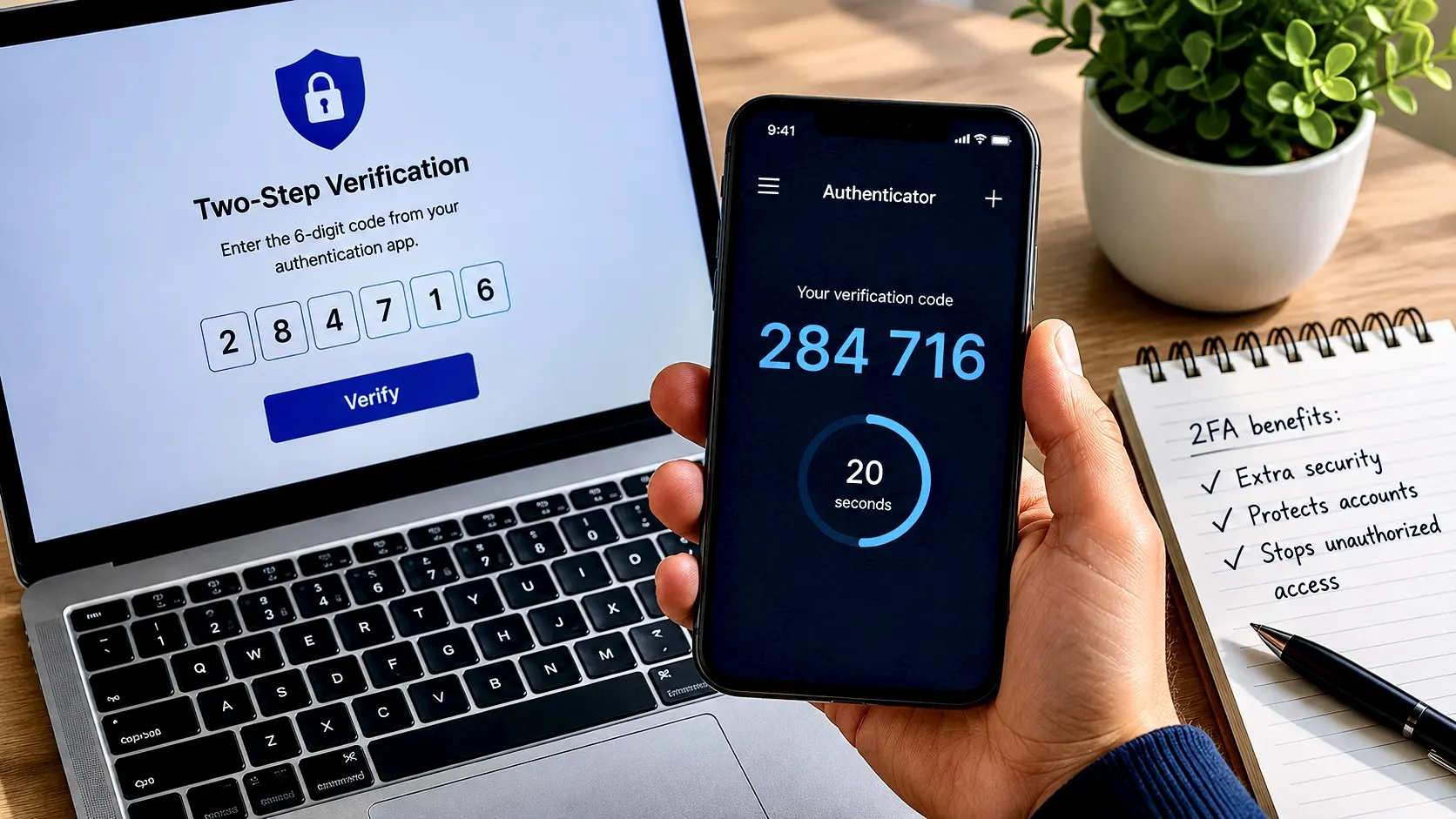
Now when someone logs in from a new device, users almost expect:
- a code
- a verification message
- a confirmation notification
Without it, many people actually feel less secure. That is how quickly internet habits changed. The internet became more suspicious by default. Apps no longer trust users automatically.
Everything now gets checked:
- device
- location
- login attempt
- browser
- unusual activity
Modern internet systems are constantly trying to figure out whether the real owner is using the account.
Losing Access To Authentication Apps Can Become A Problem Too
There is also a downside people discover later.
Authentication apps are very secure. But if you lose access to your phone without backup options, recovering accounts can become difficult.
That is why many services now give:
- backup codes
- recovery methods
- secondary verification systems
Honestly many people ignore these setup steps until something goes wrong. Then suddenly they realize the security system protecting the account is also blocking them.
That is why companies always recommend saving recovery codes safely. Most users skip this part completely.
The Internet Is Slowly Moving Beyond Passwords
One interesting thing happening now is that some companies want to remove passwords entirely.
You already see this slowly happening through:
- passkeys
- fingerprint login
- face unlock
- device based authentication
Because honestly passwords are becoming exhausting.
People already manage:
- dozens of accounts
- hundreds of passwords
- endless login systems
And humans are not very good at creating strong unique passwords repeatedly.
That is why future internet security may depend more on:
- devices
- biometrics
- hardware keys
- identity verification systems
instead of traditional passwords alone.
Authentication Apps Exist Because The Internet Changed
At the center of all this is one simple reality. The internet became much bigger than it was designed for. Online accounts are no longer small profile pages people casually use.
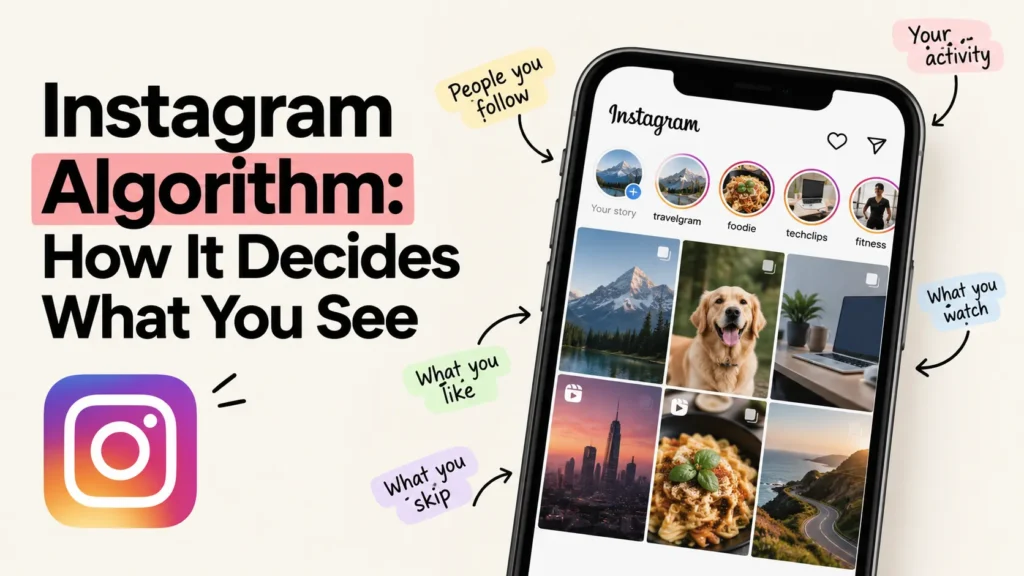
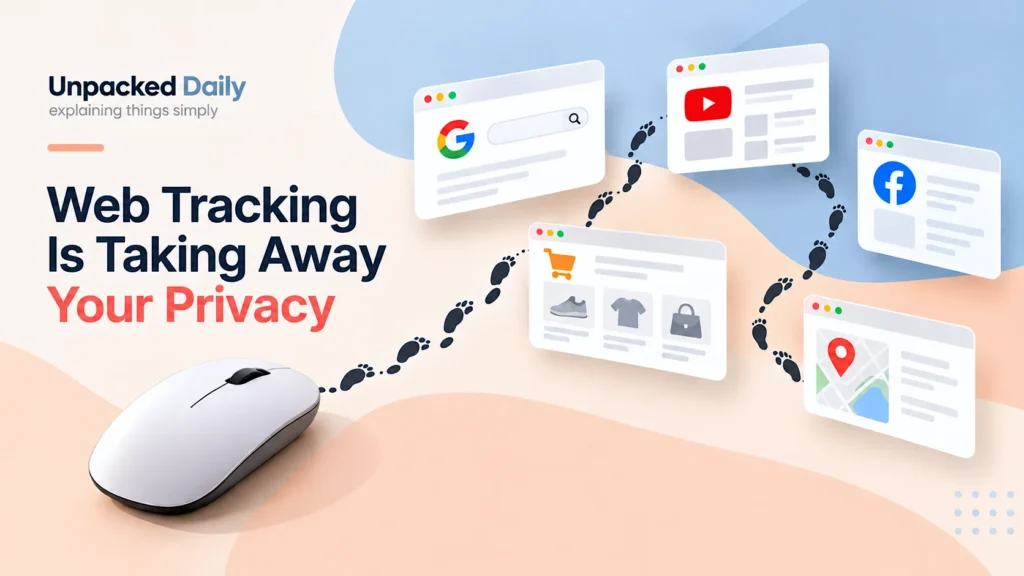
The same internet that tracks behavior for advertising and recommendations now also tracks suspicious activity for security.
They became connected to:
- money
- identity
- communication
- memories
- work
- personal life
And as digital life became more important, security became more serious too.
That annoying 6 digit code is basically the internet trying to protect your identity from millions of automated attacks happening constantly in the background.
Most people never see those attacks directly. They only see the extra login step.
But honestly that extra step exists because passwords alone stopped being enough for the modern internet.