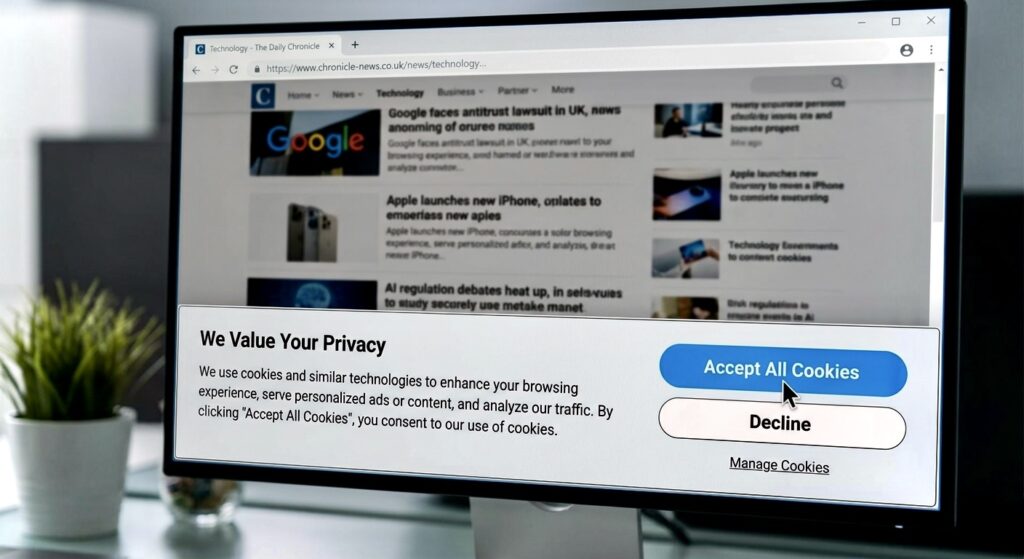
Every time you visit a new website, there is a good chance a cookie banner appears before you can do anything. You click “Accept All”, close the box and continue reading. But what happens when you accept cookies is more complicated than simply making a website remember you.
Some cookies help a website work properly. Others can be used for analytics, advertising and tracking, depending on how the site is set up and what you agree to.
You open an online store and look at a pair of shoes. A cookie message appears. You have seen it a hundred times, so you click “Accept All” without reading it. That is completely understandable.
Most people are not opening a website because they want to study its privacy settings. But that small button can change what the website, and sometimes other companies connected to it, are allowed to do.
The important thing is that “Accept All” does not mean exactly the same thing on every website. It depends on which cookies and other technologies the site uses, what its banner is asking permission for, and what your browser allows. In places where consent is required, non-essential cookies generally need your consent before being stored.
Forget the scary version of the story for a moment and look at what is actually happening.
What that click can turn on
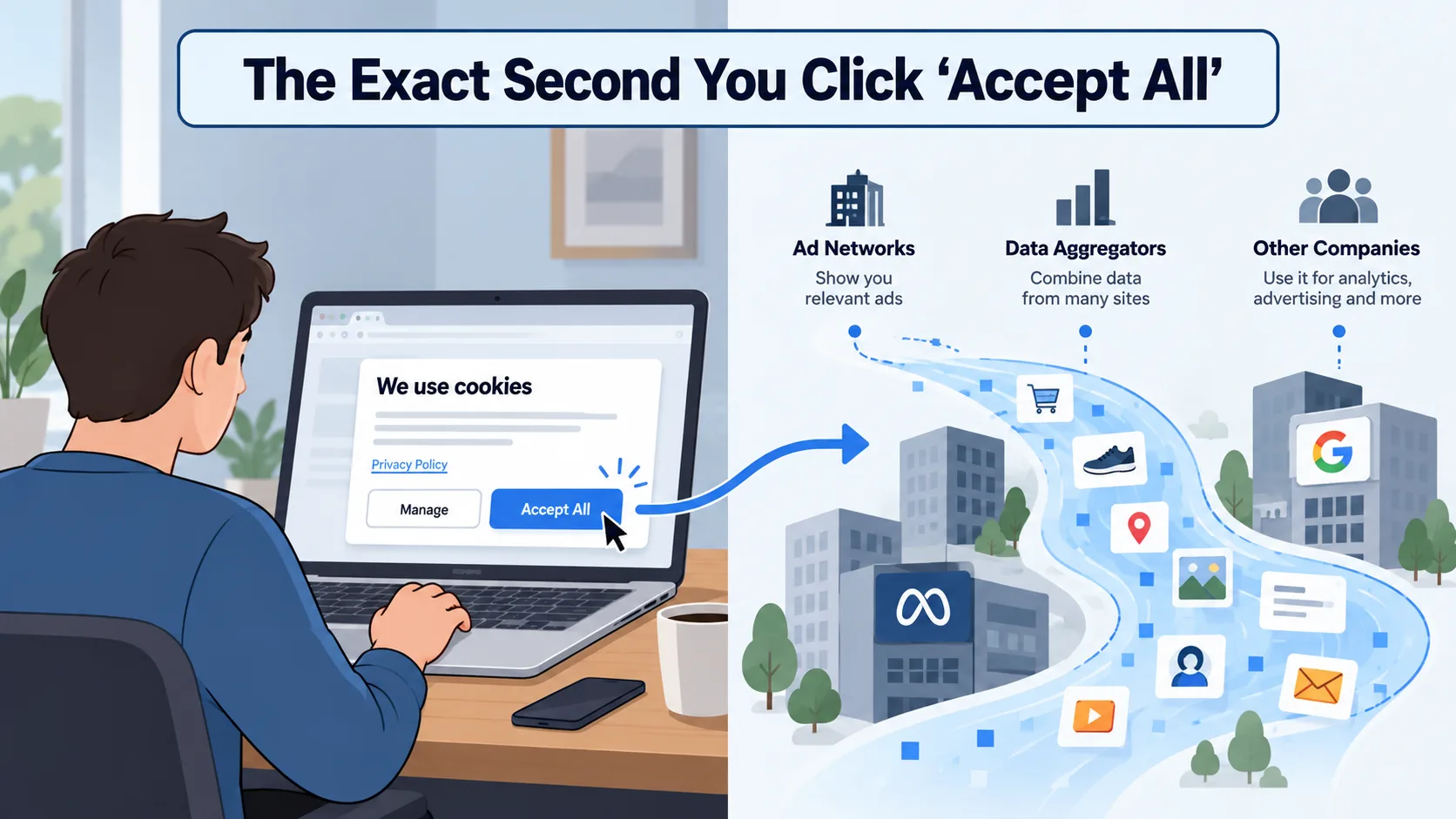
A website can still use some cookies without asking you to accept advertising or tracking cookies. For example, a site may need to remember that you are logged in, keep products in your shopping cart, or remember a language setting.
Those are useful jobs.
The extra part comes when a website wants to collect information for other reasons, such as measuring how people use the site, understanding which pages they visit or showing more relevant advertising.
That distinction gets lost because cookie banners often put everything behind one big button.
A cookie itself is not some evil piece of software. It is simply a small piece of information stored by a website in your browser so the site can remember something about your visit. Cookies can make websites more convenient, but the same basic idea can also be used for tracking.
The question is not really “Are cookies good or bad?”. It is “What is this particular cookie being used for?”
Not all cookies work the same way
There are two simple groups worth knowing.
A first-party cookie comes from the website you are actually visiting. Imagine an online shop remembering the products you added to your cart. That is the site remembering something for itself.
A third-party cookie comes from another company whose content or code is being used on the page. This can include advertising or other services embedded in the site.
Third-party cookies became an important part of online advertising because they could help companies recognise the same browser across different websites.
But the web has changed since then.
Safari blocks third-party cookies by default through its tracking protections, and Firefox now uses Total Cookie Protection by default, which keeps cookies separated between sites. Chrome also gives users controls for allowing or blocking third-party cookies, while third-party cookies are blocked by default in Incognito mode.
The old idea that one cookie follows everyone everywhere is no longer an accurate picture of the whole web. Third-party cookies still matter, but they are only one part of the tracking story.
How do those ads follow you?
You have probably experienced this one.
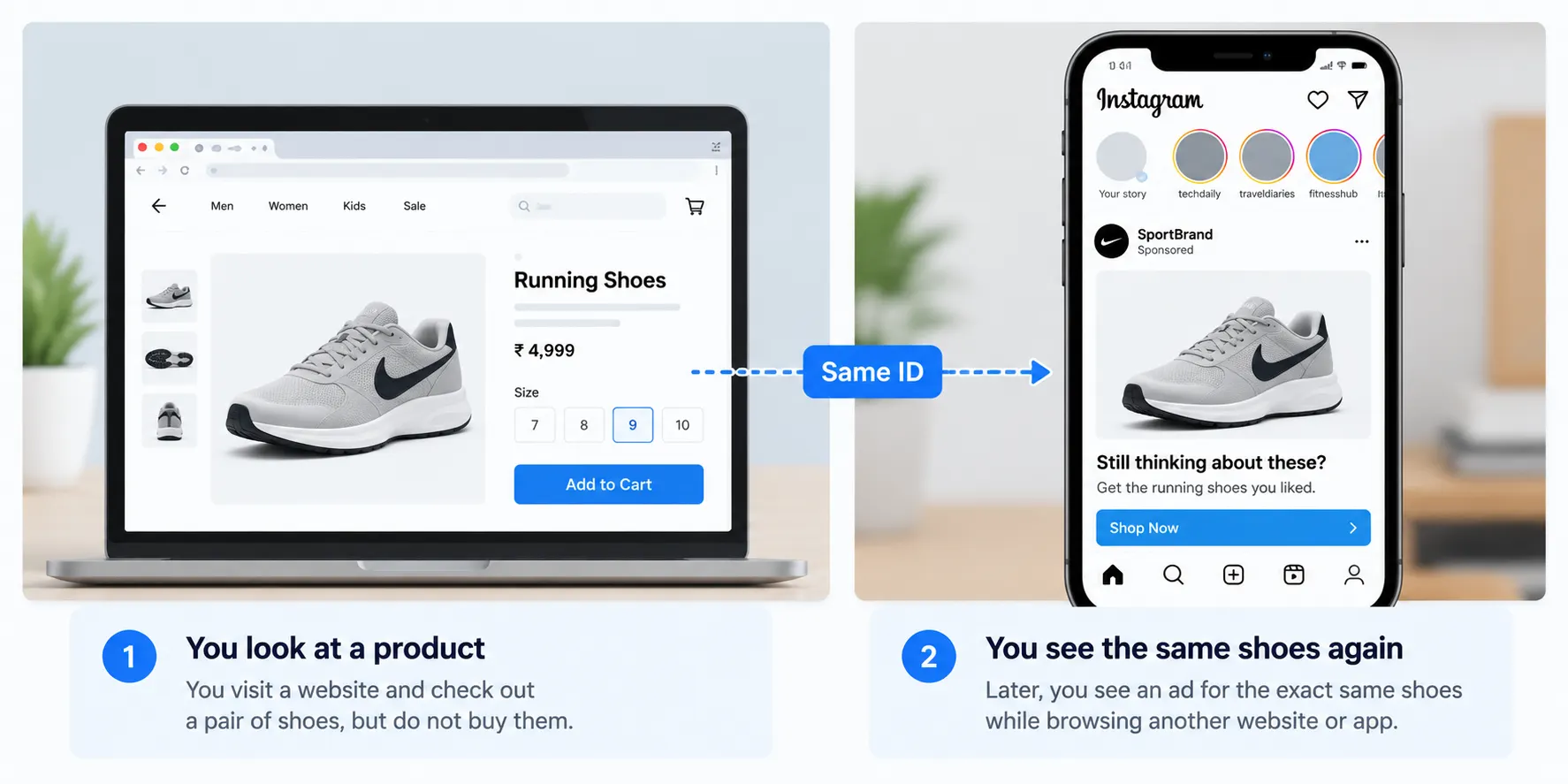
You look at a pair of shoes on a shopping website. You leave without buying them. Later, while browsing somewhere else, you see an advert for the same product.
It can feel almost like the website followed you.
There are several ways advertising systems can connect activity like this, and the exact path depends on the websites, services and tracking methods involved. Third-party cookies are one method, although browser protections now limit them much more than they once did.
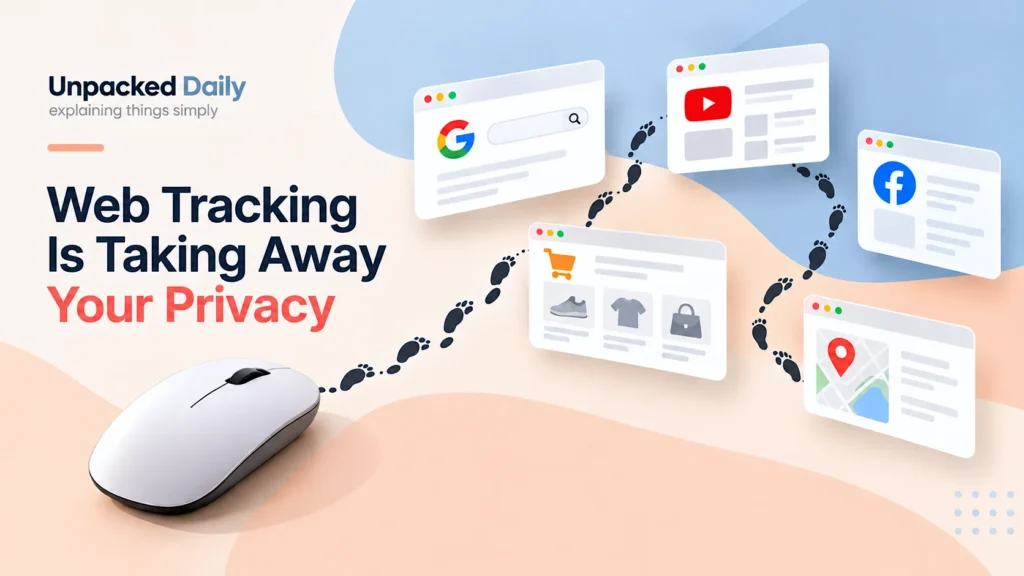
This is also where Web Tracking Is Taking Away Your Privacy fits naturally. Cookies are only one part of the larger tracking picture, and modern websites can use several different methods to understand what people do online.
The useful distinction is this: a website remembering your shopping cart is not the same thing as a network trying to recognise your behaviour across different places.
Your name is not always needed
This is probably the strangest part. People often imagine tracking as someone knowing exactly who they are. It does not always work that way.
A website can give your browser an identifier and remember that identifier when you come back. The system may know that the same browser returned, what it looked at and what it clicked without knowing your real name.
That information can still be useful.
Over time, lots of small actions can create a much clearer picture of what someone seems interested in. This is one reason data tracking is more than simply “knowing where you went.” Different pieces of activity can be connected into patterns.
And once you log into an account, there is an even simpler connection. The service already knows which account you are using.
That is why deleting one cookie does not magically erase your whole online history.
What are they actually learning?
It can be surprisingly basic.
A website may know which pages you visited, which links you clicked and which products you looked at. Depending on the technology being used, it may also collect information about your browser and device.
But again, not every website collects all of this, and not every piece of information is used for advertising.
A shopping website may simply want to understand which products are popular. An analytics service may want to know which page people leave most often. An advertising system may be interested in the kind of content that appears relevant to you.
The important thing is that these small pieces of information can become more useful when they are collected over time.
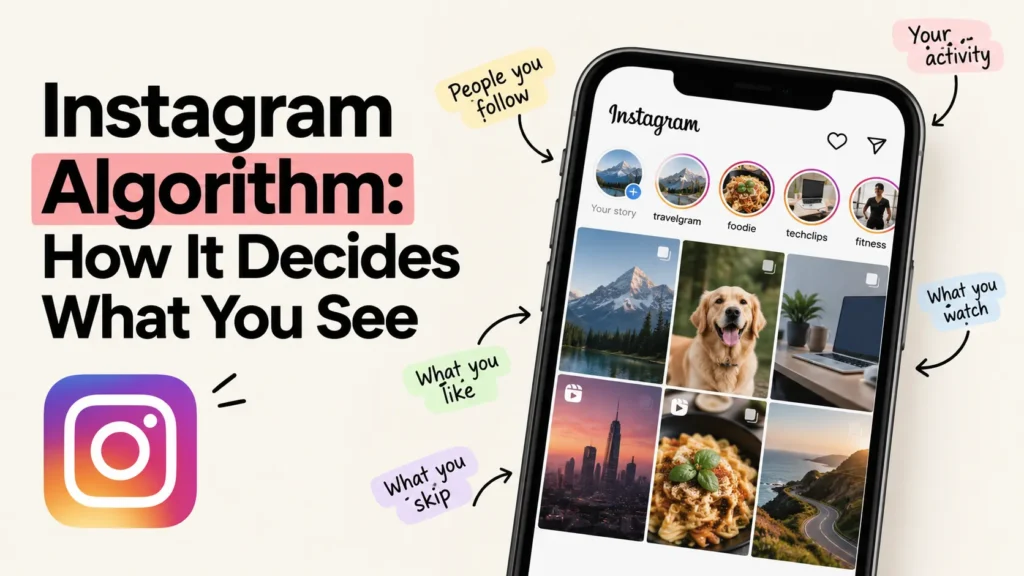
This is also why How Instagram Decides What You See connects naturally to this article. Instagram is another example of a system learning from what people do and using that information to decide what they see.
Clearing your cookies does help, but it is not magic
A lot of people have the same privacy routine. Clear cookies. Open Incognito. Done. Both can be useful, but neither is a complete privacy solution.
Clearing cookies removes stored cookie data from your browser, which can make a site forget some of the information it had stored locally. Private browsing can also stop your browser from keeping certain local records after the session ends. But that does not mean the website itself cannot see your activity while you are using it.
There is also something called browser fingerprinting. Instead of relying on one stored cookie, a website can combine different details about your browser and device to create a pattern that may help distinguish one setup from another. Modern browsers have introduced protections to make this harder.
Clearing your cookies can remove one type of identifier, but it does not remove every possible way of recognising a browser. That is also why Incognito does not mean invisible.
Chrome itself explains that Incognito blocks third-party cookies by default, but private browsing is mainly about limiting what is stored locally on your device. It does not make you invisible to the websites you visit.
A VPN is another example. It can hide your IP address from websites, but it does not automatically remove cookies or fingerprinting. Each tool deals with a different part of the problem.
What should you actually do?
You do not need to stop using the internet. You also do not need to spend five minutes fighting every cookie banner. There is a much simpler middle ground.
When a website gives you a clear option to reject non-essential cookies or manage your preferences, you can use it. In places where consent rules apply, non-essential cookies generally should not be set before the required consent is given.
You can also use the privacy controls built into your browser. Firefox, Safari and Chrome all provide different ways to limit or block third-party cookies and other forms of tracking.
And it is worth remembering that privacy is not just about cookies. How you use online accounts, which services you log into and how much information you give them can matter just as much.
That is a completely different subject from passwords, but it is worth understanding too. Passkeys Are Replacing Passwords explains that other part of online security.
The cookie banner is only one layer.
It is worth paying attention to it, but “Accept All” was never the whole privacy question.
The interesting thing about cookie banners is how quickly they became normal. You see one, you click a button and you move on. Most of the time, nothing dramatic happens.
You do not suddenly hand someone your entire digital life. You have simply given a website permission to use whatever non-essential cookies or similar technologies its banner was asking about, within the limits of your browser and the site’s setup.
But that small decision can matter because it is part of a much larger system that remembers what we do online.
And once you understand that, the next time a website asks you to accept cookies, the question becomes a little more interesting.